Payments
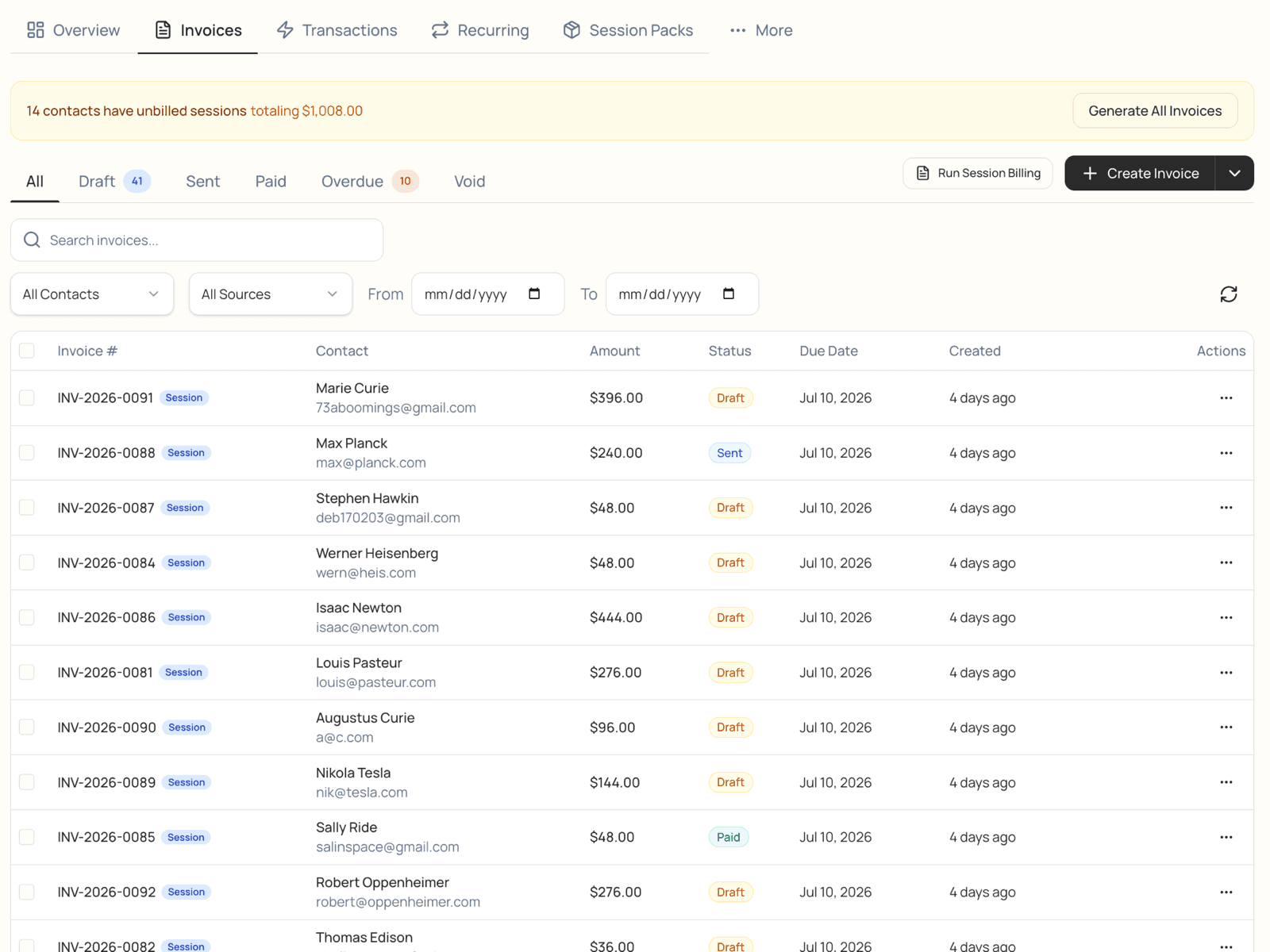
Stop chasing parents. Get paid automatically.
Save a card on file and completed sessions bill themselves on the due date, with automatic retries. You hold the controls, so unpaid invoices stop piling up — and bank transfer saves most centers thousands a year.
Get paid on time, automatically
Plenty of centers are tired of chasing parents who don't pay. Save a card on file and every completed session bills and charges itself on the due date. A declined card retries on its own and only reaches you if it truly won't go through. You hold the controls.
Bank transfer
Offer bank transfer, save thousands
- Families can pay by bank transfer instead of card, and the fees are a fraction of card processing.
- Most centers save multiple thousands of dollars a year by moving large payments to bank transfer.
- Once a family links their bank, it charges automatically — just like a saved card.
Cost per payment
Save thousands a year
on large package payments
Bill every family the way that fits them
Different families, different billing — mix and match across your center, and LogPose keeps them all straight.
Pay-as-you-go
Charge per session or bill from attendance — families pay for what actually happens.
Prepaid packages
Sell credit packs at your prices; sessions draw them down on their own.
Subscriptions & plans
Recurring monthly billing, or split a big package into scheduled installments.
parents to chase for payment
ways to bill each family
place families see every charge
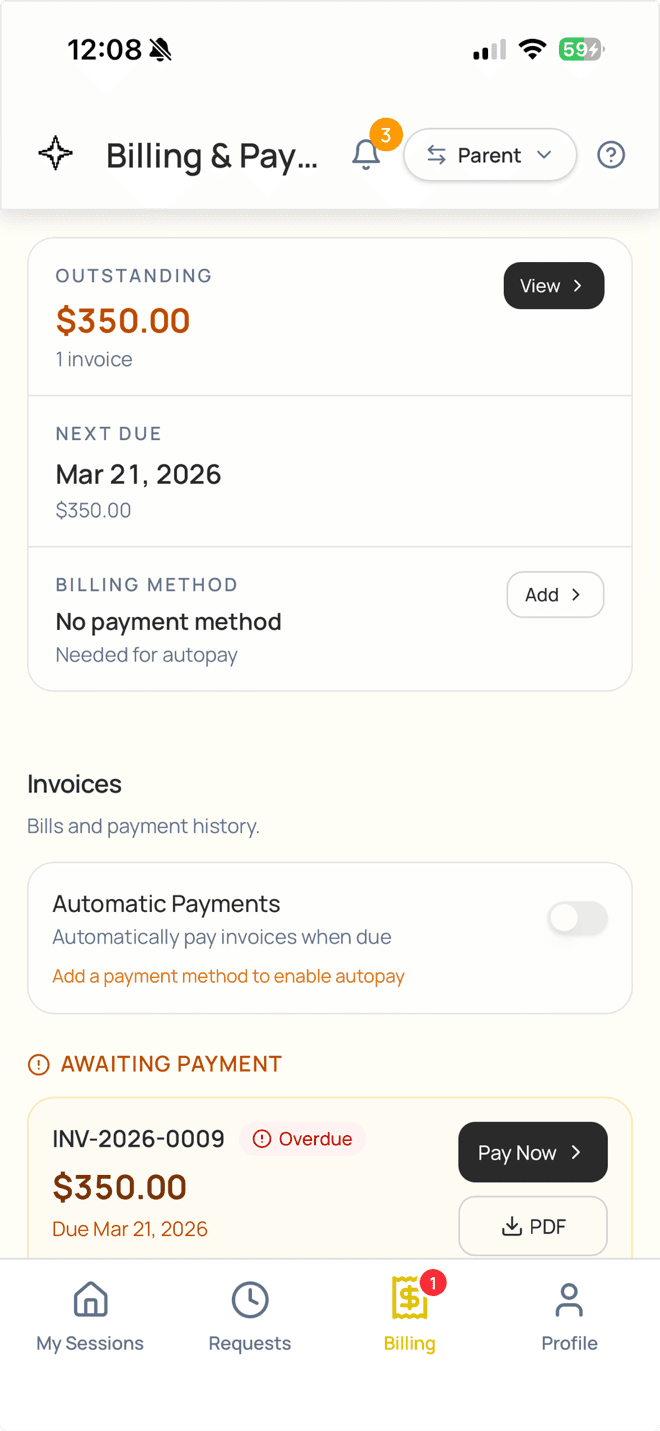
Families pay in seconds, any way they want
- Text or email a secure pay link — families tap and pay, no login required.
- Cash, check, or Venmo gets recorded in the same ledger, so your picture is always complete.
- Saved cards and prepaid credits apply on their own before anything is charged.
Revenue & reporting
Know your numbers
See total revenue, who's behind on payments, and how attendance lines up with billing — updated as the money comes in. Export anything to CSV or Excel for your accountant.
Revenue · 30 days
$24,800
Collected
96%
Outstanding
$1,010
Revenue by month
Payments questions
With a card on file and auto-charge turned on, an invoice charges itself on the due date. A declined card retries automatically over the next several days, and you're notified only if it still won't go through. You decide which invoices auto-charge.
Card processing takes a percentage of every charge, which adds up fast on large packages. Bank transfer fees are a small flat amount, so moving big payments to ACH saves most centers multiple thousands of dollars a year. Bank payments take a few business days to settle.
Yes. Every invoice can go out as a secure one-time payment link by email or text — families tap it and pay by card or bank, no account needed.
Pay-per-session (or attendance-based), prepaid credit packages, recurring monthly subscriptions, and installment plans — and different families can be on different models at the same time.
Yes. Set a sibling or multi-child discount and it applies automatically to families with more than one enrolled student. Late-cancel and no-show fees apply your set amount at attendance, with no manual line items.
Record it in LogPose and it lands in the same ledger as online payments, so you always have one complete view of what's paid and what's outstanding.
See how LogPose works for your center
Or watch the demo first